
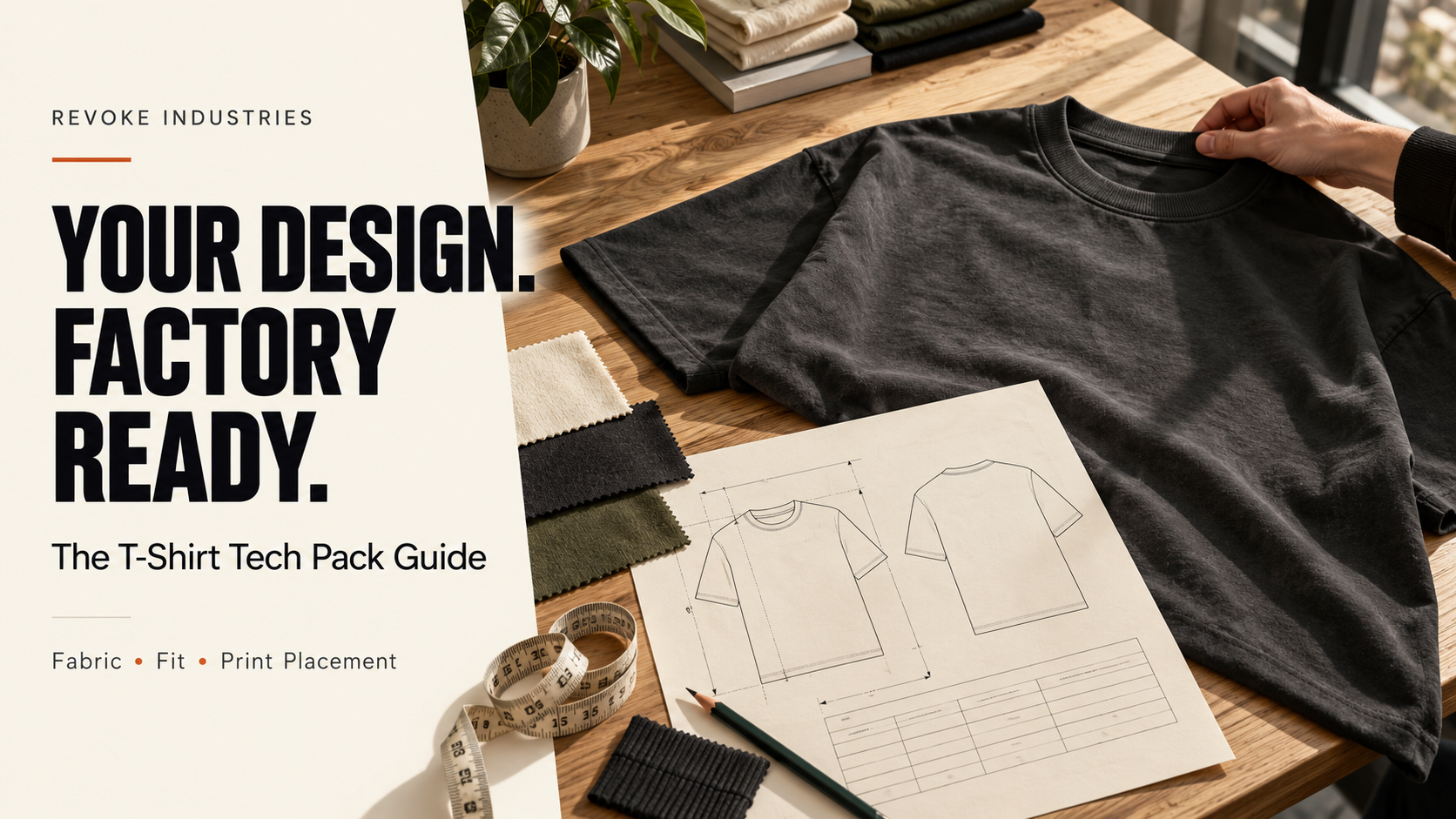
Your T-shirt mockup shows the right color and graphic. The first sample arrives with a wider neckline, longer sleeves, and a different fit from the one you imagined.
The artwork was clear. The garment instructions were not.
A T-shirt tech pack helps your clothing brand communicate the details behind the design. For US brands working with a manufacturer overseas, it provides a shared reference for quoting, sampling, and checking the finished product.
A T-shirt tech pack is a production document containing technical drawings, fabric and trim specifications, garment measurements, construction details, artwork placement, and revision records. It should explain the T-shirt’s fit, neckline, sleeves, hems, and branding clearly enough for the manufacturer to identify requirements and flag unresolved decisions before sampling.
Do you need a tech pack for printed blanks or custom T-shirts?
First, establish whether you are decorating an existing blank or developing the garment itself.
With an existing blank, identify the supplier, exact style, colors, sizes, decoration, and any permitted relabeling or packing changes. Confirm the selected blank with a physical sample. You generally do not need to develop a new garment pattern for that order.
For custom cut-and-sew T-shirts, document the garment construction and measurements as well as the artwork. A factory needs to understand the body, sleeves, neckline, and finishing you want to create.
The London Pattern Cutter’s T-shirt guide makes this distinction between adapting a ready-made tee and developing a custom design. Our cut-and-sew vs blanks guide explores the sourcing decision in more detail.
What should a T-shirt tech pack include?
| Section | Information to include |
|---|---|
| Style identity | Style code, product name, development size, revision date, and approval status. |
| Technical drawings | Front, back, and detail views showing neckline, sleeves, seams, hems, and branding positions. |
| Materials | Body fabric, collar material, thread, tapes, labels, and other components. |
| Measurements | Defined measurement points, methods, units, size-specific targets, and agreed tolerances. |
| Construction | Neckline assembly, sleeve and body seams, hem finishes, and any special details. |
| Artwork | Production files, decoration method, dimensions, placement references, and color approvals. |
| Revisions and packing | Sample comments, approved changes, label placement, folding, and packaging requirements. |
Techpacker’s tech pack overview identifies drawings, measurements, materials, and construction information as core components. The sections below apply that framework to a T-shirt.
1. Describe the fit beyond “oversized” or “premium”
Define what the wearer should see and feel: a close or roomy body, shoulder seams at or beyond the shoulder, short or longer sleeves, and the intended body length.
For a boxy tee, discuss width and length together. Increasing chest width alone does not define the shoulder position, sleeve opening, or neckline.
Annotate reference photos to identify what each one demonstrates. For example: “Reference A shows the intended sleeve shape; Reference B shows the collar appearance.” This keeps an inspiration image from becoming an accidental instruction for every detail.
When you need measurement development, mark it as an open task and confirm who will complete it. Do not fill the chart with guessed numbers just to make the document look finished.
2. Specify body fabric and collar material separately
For the main fabric, record fiber composition, knit construction, target weight, color reference, and finish. Identify an approved swatch when one exists.
Then describe the neckband separately. Confirm whether it uses rib or another material, its composition, color, and finished appearance. Avoid assuming the collar automatically uses the same fabric as the body.
A development note might read: “Body: cotton single jersey; target weight and finish to be confirmed from swatches. Neckband: manufacturer to propose rib options for the neckline shown.” This identifies an unresolved choice without disguising it as an approved specification.
Record any substitute material used in the sample. Before production approval, confirm which details need checking again in the final fabric. Our fabric GSM guide explains how to communicate weight without treating it as a complete quality specification.
3. Make T-shirt measurements repeatable
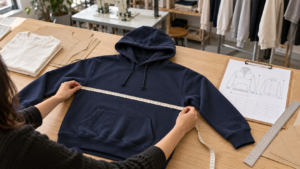
Each point of measurement needs a defined start, endpoint, and method. Add matching arrows to a drawing, state the units, and distinguish flat widths from full circumferences.
| Measurement | What the instruction should clarify |
|---|---|
| Half-chest width | The exact measurement line below the armhole, with the garment flat and handled as agreed. |
| Body length | The starting reference beside the neckline and the endpoint at the finished hem. |
| Shoulder width | The seam endpoints and measurement route across the back. |
| Sleeve length and opening | Where length starts, whether the hem is included, and whether the opening is recorded as a flat width. |
| Neck width and drop | The reference line and whether the endpoints follow the neck seam or finished collar edge. |
| Finished neckband width | The visible band width after attachment, rather than the width of the unsewn fabric strip. |
Add other measurements required by the design. Agree on grading and tolerances with the person developing the pattern; there is no single measurement set suitable for every “US oversized tee.” See our clothing size chart guide for the distinction between body sizing and garment specifications.
4. Show neckline, seam, and hem construction
Include close-up drawings or annotated reference photos for the collar attachment, shoulder area, sleeve hems, and bottom hem. Identify whether the body has side seams and show any split hem, pocket, or other added feature.
Specify the finished hem appearance and width where relevant. If you do not know the appropriate stitch or seam terminology, ask the manufacturer to propose a construction method and approve a sample of the result.
For the neckline, review how the collar sits when worn as well as when laid flat. Record concerns such as rippling, gaping, or an opening that feels too tight. A collar can match a flat measurement and still need adjustment to achieve your intended appearance.
5. Give every print or embroidery its own specification
A picture of a centered logo does not tell the decorator its finished width or distance from the neck seam. Give each application a name and connect it to the correct artwork file.
- Method: Specify the requested decoration process, or ask for a recommendation.
- Dimensions: Record finished width and height in a named unit.
- Position: Mark the centerline and offsets from defined garment landmarks.
- Colors: Identify the approved references and how the decoration sample will be checked.
- Size range: State whether artwork dimensions stay fixed or change by garment size.
Confirm the file format the selected decorator needs. Send a placement mockup alongside the production artwork, and identify both clearly. Use our printing and embroidery comparison when discussing options.
Illustrative wording: “Front graphic A: centered on the garment, finished width 24 cm. Vertical placement follows the annotated drawing, measured from the defined front neck seam. Artwork size remains fixed across the approved size range.” This example still needs artwork, an actual vertical offset, color information, and sample approval; 24 cm is not a universal recommendation.
6. Review the decorated sample before and after care
Check the garment in the intended fabric with the actual decoration. Review fit, neck shape, sleeve balance, surface appearance, and the way the graphic sits when worn.
Agree on a wash-and-dry procedure, the number of cycles, and acceptance criteria before assessing dimensional change. Record measurements and photos before and after using the same method.
CottonWorks’ shrinkage guidance explains that yarn, construction, processing, finishing, and garment care affect dimensional behavior. Do not assume a cotton percentage or GSM figure predicts the finished tee’s shrinkage.
Check whether the side seams remain positioned as intended, the collar retains the approved appearance, and the decoration meets the agreed requirements. Document the outcome instead of relying only on “looks good” feedback.
7. Keep revisions and approval status in one place
Give the style a consistent code, such as the illustrative code TS-001. Put a revision number and date on the document and link sample comments to the relevant sample.
If you shorten the sleeves, update the measurement table and any affected drawing. If you move the graphic, update the placement instructions. Ask the manufacturer to acknowledge the revised file.
Include labels and packing in the review: artwork references, positions, attachment methods, size identification, and packaging. Confirm final label wording separately before authorizing label production.
For a collection that also includes hoodies, use our hoodie tech pack guide for hood, pocket, rib, and other hoodie-specific details.
What to send with your T-shirt quote request
We are developing a [fit description] T-shirt for a US clothing brand.
Style code: [code]
Quantity: [units by color and size]
Fabric: [composition, construction, weight, finish, or options needed]
Decoration: [method, artwork dimensions, placement]
Attachments: [current tech pack, artwork, fit references]
Delivery: [US city, state, ZIP code, target arrival date]
Please identify missing specifications and quote the required development, samples, branding, and packing separately. Confirm the proposed fabric, sampling scope, MOQ, and production timeline before we approve the next stage.
Frequently asked questions about T-shirt tech packs
Can I start without a finished T-shirt tech pack?
Yes. Start a development discussion with sketches, reference images, and a written brief. Agree on who will develop the missing measurements and construction details, then document the approved specification before bulk production.
Is a T-shirt mockup enough for manufacturing?
A mockup communicates appearance but usually leaves fabric, measurements, construction, and placement methods undefined. Use it alongside detailed production instructions.
Can I make a T-shirt tech pack in Excel and PDF?
Yes. Combine clear drawings, measurement tables, materials, and notes in a readable export. Check that the file contains consistent units, current revisions, and all referenced artwork.
Do I need a separate tech pack for every color?
Colorways can share a document when the style and construction remain the same. Identify each colorway’s materials, trims, and artwork colors. Make any construction differences explicit.
How much does a T-shirt tech pack cost?
Request a quote for the actual scope: drawings, measurement development, grading, material selection, and revisions. A simple decoration brief and original garment development involve different work.
Discuss your custom T-shirt project
Send Revoke Industries your T-shirt tech pack or current design brief, quantities, and US delivery destination. Identify which details are approved and which need development support.
Explore our OEM and ODM apparel services and request a project-specific quotation.
Send Your T-Shirt BriefReferences: Techpacker: What Is a Tech Pack?; The London Pattern Cutter: How to Make a T-Shirt Tech Pack; CottonWorks: Shrinkage & Skewing. Sources are linked in the relevant sections and were consulted October 28, 2026. Examples illustrate documentation methods, not Revoke Industries’ fixed specifications or pricing.



Add comment